

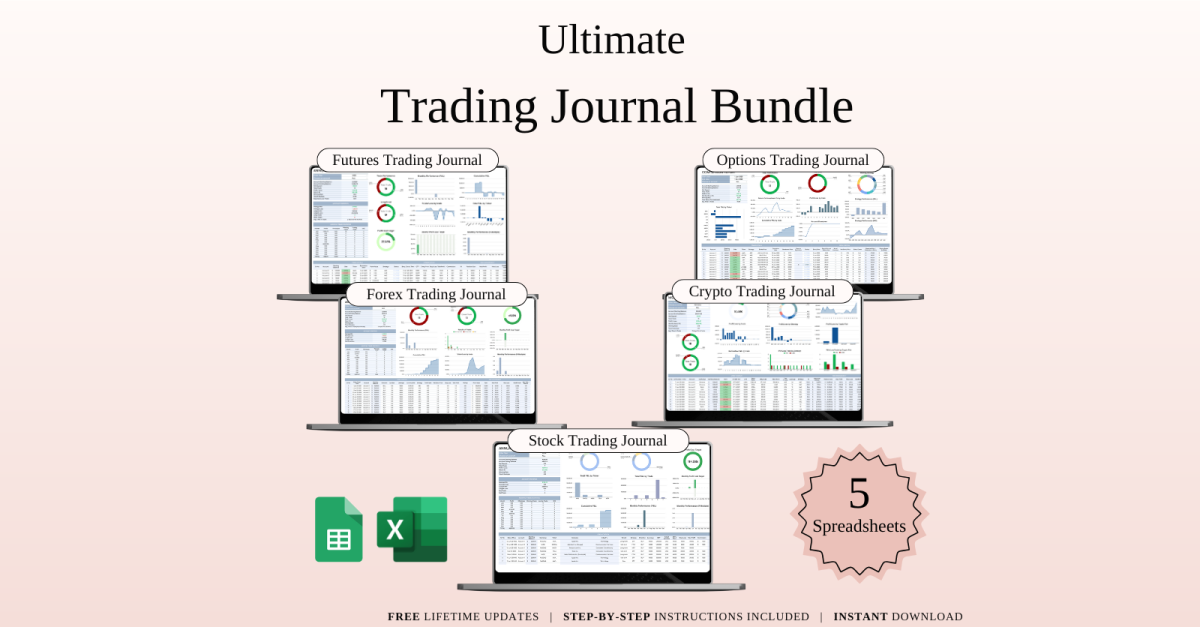
Ultimate Trading Journal Bundle Templates for Google Sheets and Excel
If you’re trading often, you already know how important it is to stay organized and actually understand what’s working. That’s exactly why I put this bundle together.
It gives you five different trading journals, each made for a specific market — so you can track everything in one place, no matter what you trade:
Futures Trading JournalCrypto Trading JournalOptions Trading JournalStocks Trading JournalForex Trading Journal
The best part? You can use them in Google Sheets or Excel, whichever is easier for you.
Here’s what these journals help you with:
You can log every trade — your entry price, exit price, size, strategy, notes — all in one clean placeYour profit and loss gets calculated automatically — no need to mess with the numbersYou’ll see real-time stats — win rate, ROI, average returns, and moreBuilt-in tools help manage risk — like position sizing, stop loss tracking, and risk/reward calculationsThere’s a calendar view to see when you made trades and how they turned outPlus, you get dashboards with charts so you can quickly spot patternsYou can easily change currencies, columns, or anything else to fit your style
Why people love this bundle:
Most traders either try to keep track of everything in random spreadsheets, on paper, or just hope they remember — but that usually gets messy fast. This setup keeps you organized, saves you time, and shows you clearly what’s working.
Who’s this for?
Beginners who want to track things the right way from the startExperienced traders who want better structure and insightsDay traders, swing traders, long-term investors — anyone reallyCoaches or mentors working with studentsAnd anyone who trades in multiple markets like crypto, forex, or stocks
Bottom line:
If you want to grow as a trader, this makes life easier. You’ll stay organized, see your progress, and trade with more confidence.
Update your journal in minutes and focus on what matters — improving your results and protecting your money.
No subscriptions, no limits — just simple, ready-to-use tools to help you trade smarter.
WHAT’S INCLUDED?
Step-by-step instructions 20 Templates of Spreadsheets5 Sample Google Sheet with Mock Data5 Blank Google Sheet5 Sample Excel with Mock Data5 Blank ExcelEditable in Google Sheets and Microsoft ExcelCompatible with MAC, PC, Phones, or Tablets
HOW IT WORKS & REQUIREMENTS
YOU WILL NEED:
A device to access Google Sheets or Microsoft ExcelA Google Account (if using Google Sheets)Microsoft Excel software (if using Excel)Basic computer skills
HOW IT WORKS:
Purchase and download instantly.Open the PDF file to access the Google Sheet link.Download the Excel template.Open the spreadsheet and start planning!
IMPORTANT TO KNOW:
This is a digital download; no physical items will be shipped.Due to the nature of digital products, all sales are final, and refunds are not available.
COLOR DISCLAIMER:
Please note that colors in the spreadsheet may vary slightly due to screen display differences on your device. This can include variations in color on phones, tablets, and computers.
Note: For the best experience, we recommend using a desktop or laptop for full editing capabilities.
Leave a Reply